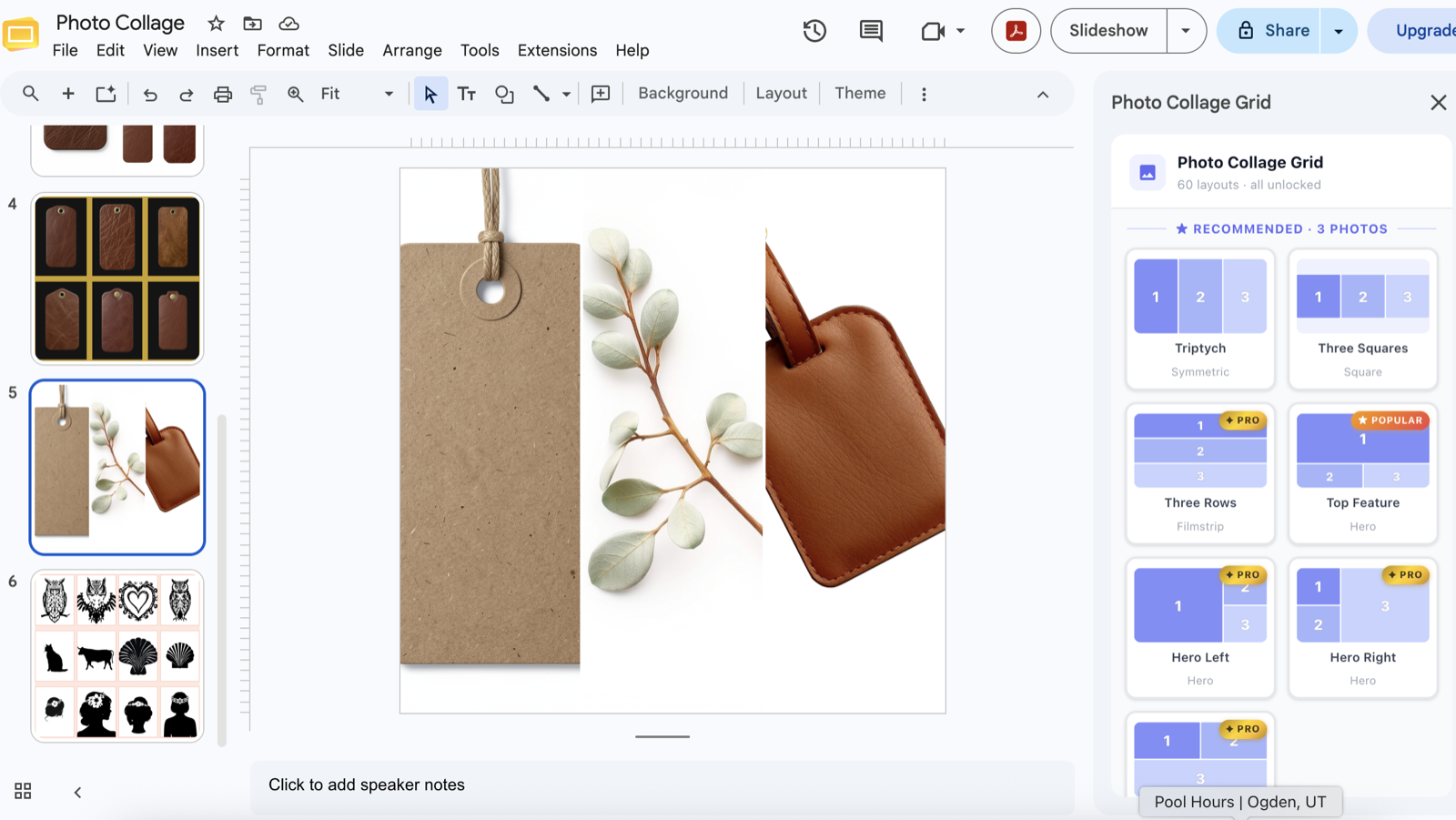
Drop your photos into 60 ready-made layouts, right inside the presentation you're already in. No dragging, no resizing, no other apps. And it's free to start.
Why this exists
I built Photo Collage Grid because I needed it and it didn't exist. I kept wanting to arrange a few photos nicely on a slide — and ended up fighting menus, dragging boxes, and jumping to other apps just to line things up.
So I made a tool that does it in one click. I've used it every single day since, and now I want it available for everyone.
— Vanessa, maker of Photo Collage Grid · Salvia Silvestre Co.
How it works
No design skills, no learning curve. If you can open a slide, you can do this.
Find Photo Collage Grid under Extensions. The sidebar opens right next to your slide.
Choose from 60 layouts (2–12 photos). Upload from your computer or use photos already on the slide.
Everything snaps perfectly into place. Reshuffle, restyle, or swap photos any time.
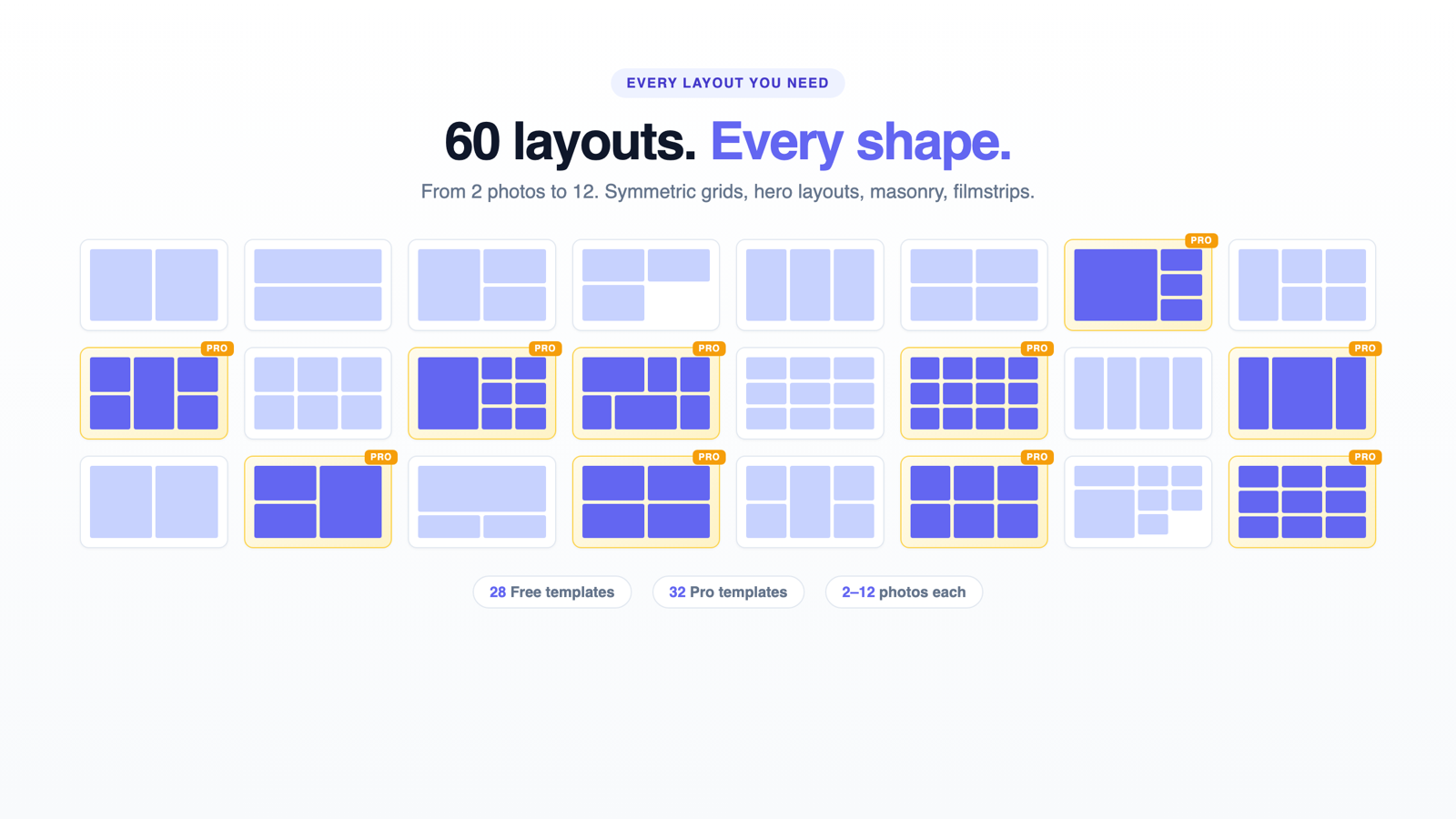
Every layout you need
From 2 photos to 12 — symmetric grids, hero compositions, masonry, filmstrips and center-stage templates.
Who it's for
Anyone who's ever wanted to put a few photos together nicely. A collage of your vacation trip, a heartfelt family memory to gift a relative, a class project, a product post, a moodboard — if it has photos, this makes it beautiful in seconds.
Simple & fair
No account to create, no subscription. Pro is a one-time payment — yours for life.
$0 — no card
$29 once · lifetime
Good to know
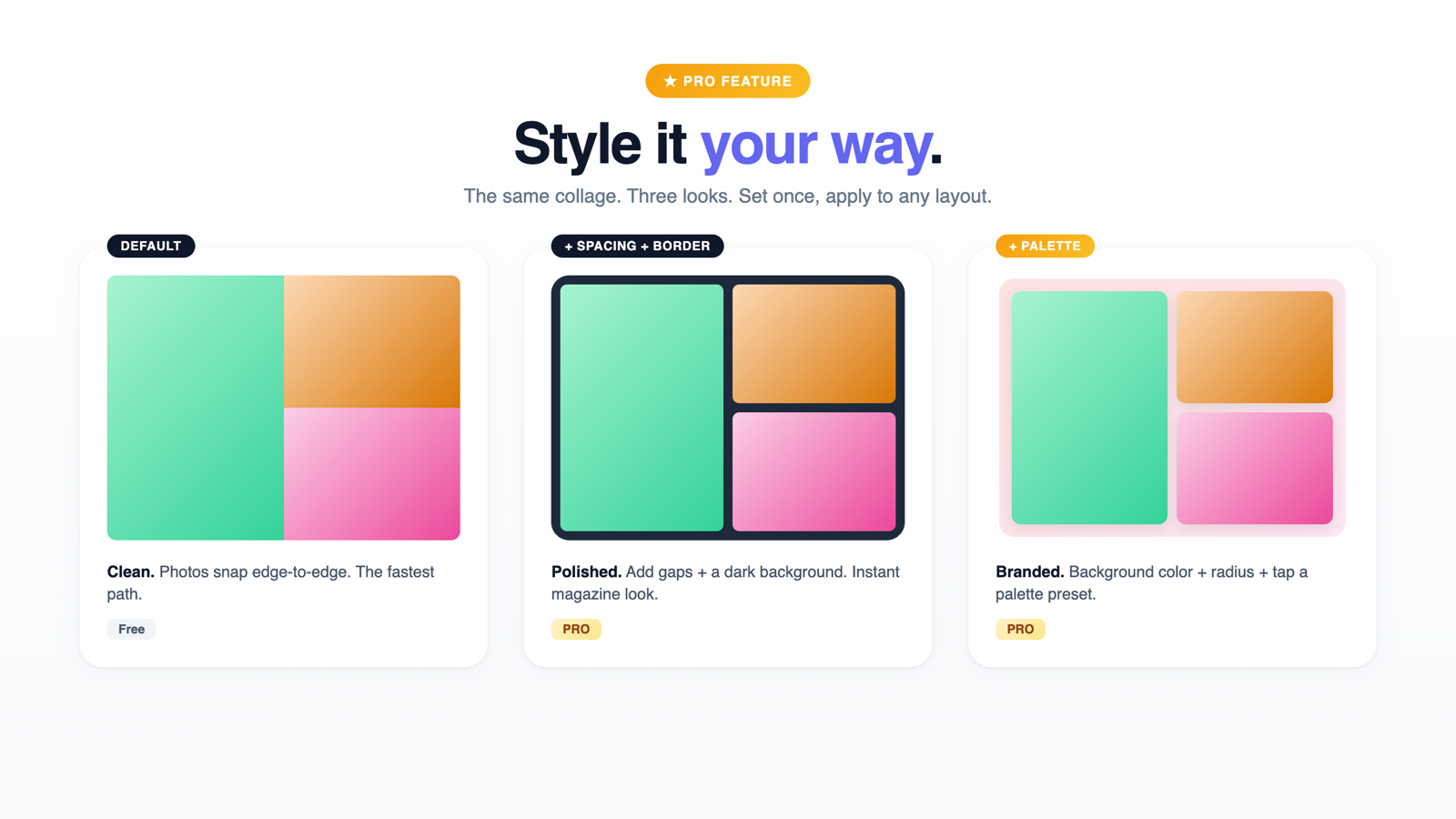
Yes. 28 of the 60 layouts are free forever — no account, no card, no trial countdown. Pro (the other 32 layouts plus styling) is an optional one-time $29, with a 7-day free trial if you want to try it first.
Your photos never leave your Google Account™. The add-on works only inside the presentation you have open — it can't see your other files, and it doesn't upload your images anywhere. See our Privacy Policy for the plain-language details.
Click any “Install free” button on this page — it opens the official Google Workspace™ Marketplace listing. Install takes about 10 seconds, then Photo Collage Grid appears under Extensions in any Google Slides™ presentation. Step-by-step install guide here.
No. It runs entirely inside Google Slides™, and there's nothing to learn — pick a layout, add photos, click Insert. That's it.
Please email us first — malvarrosastudio+support.photocollage@gmail.com. We're one small studio, we read every message, and we reply as soon as we can. We'd genuinely love to fix it or build what you need.
If anything doesn't work the way you expect, or there's a layout you wish existed, please write to us before anything else. We're a tiny team that reads every email and replies as soon as we can — and we'll do our best to fix it for you.
We read every message and reply as soon as we can.
It's free, it's fast, and it lives inside the Slides you already use.
28 layouts free · 7-day Pro trial · no card required